Detail Views
Printer Jobs
The Printer Jobs section displays a list of all jobs printed on the selected printer.
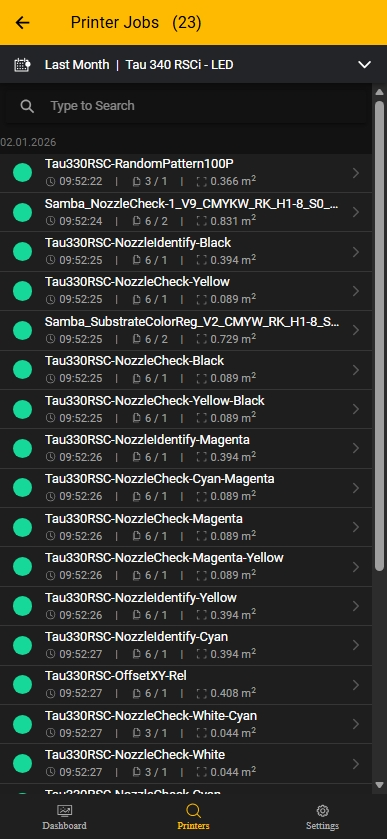
In the web application, you can drill down to individual runs.
In mobile view, only the aggregated job level is displayed.
Run-level details
For run-level granularity, use the web application.
This level of detail is intentionally reduced in mobile view due to screen size constraints.
Consumption
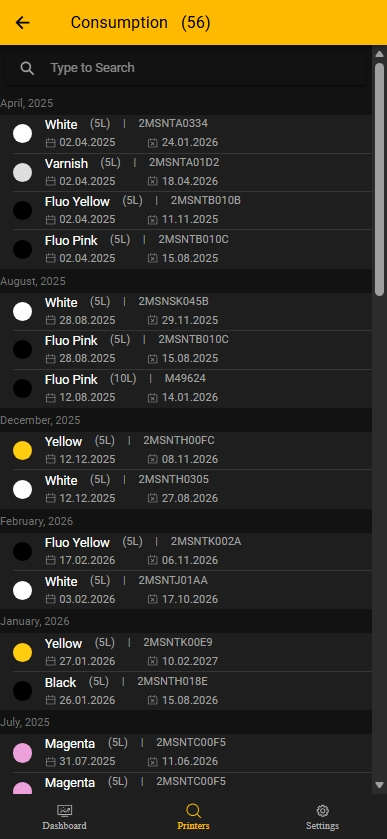
The Consumption section lists ink and varnish entries, including quantity, lot or batch information, and relevant date details.
How to use this screen
- Use the search field to quickly locate a color, lot, or batch.
- Review entries grouped by month.
- Verify quantities and reference numbers for traceability.
- Use date information to monitor stock age and support planning.
Maintenance
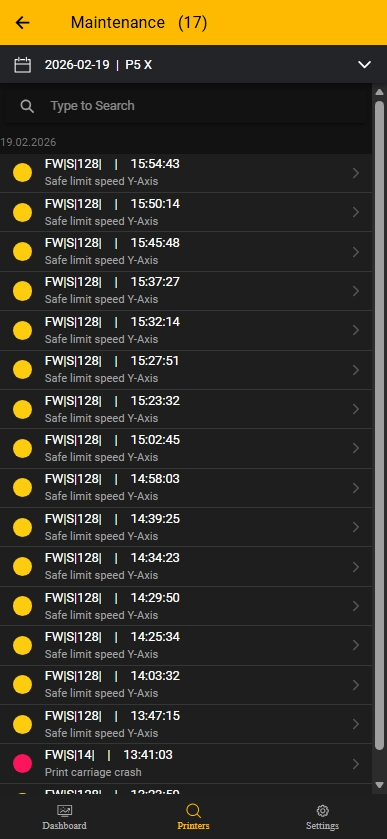
The Maintenance section provides a chronological list of printer events and warnings.
Information displayed
Displayed:
- Event code (for example,
FW|S|128) - Timestamp of occurrence
- Short event description
- Severity indicated by color